2027 staff tutorial
The 2026 guide, adapted for 2027 AL selection, calendar editing, holiday duty and requests.
You are not signed in. Everyone may read this guide, the selection order and holiday duty. Sign in before recording completion, editing a sheet or opening the request forms. Sign in now.
1 Sign in and choose your name
Sign in with the correct account, then choose your own name wherever a name picker is shown.
- Open the menu and choose Account → Sign in, or use the sign-in link on the page you want to work on.
- Enter your password and press Sign in. There is no username. The password identifies the role: Staff, Senior or Admin.
- Check the role badge after signing in. A staff sign-in does not choose a staff name for you.
- On the order page, select your own full name under Your name. On an editing page, select your own nickname before pressing Lock sheet. Check carefully if names are similar.
Choose the correct name first. The selected name is used to attribute your action or editing lock. Do not select a colleague's name to mark their round complete or to edit under their name. Admin editing pickers offer admin - George only.
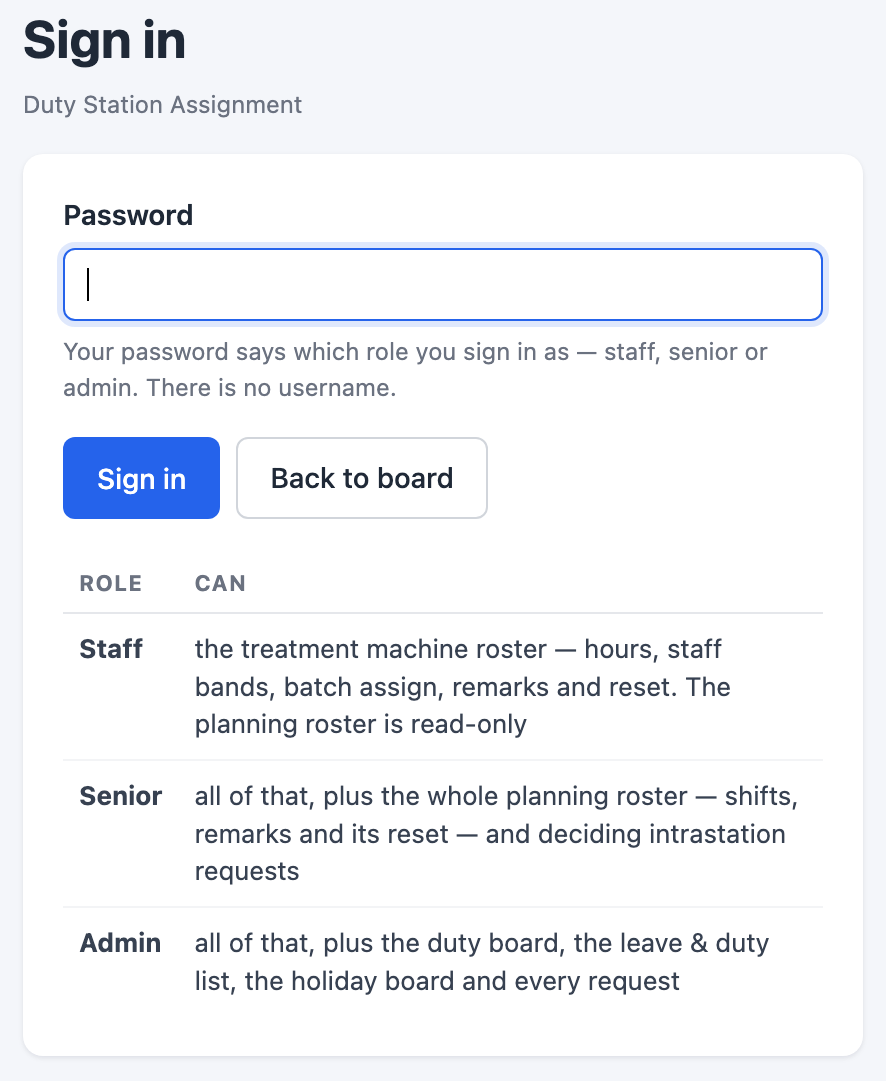
After signing in, return to the page you intended to use. AL selection order, the 2027 AL calendar and Holiday & special Sat duty are separate pages.
If sign-in says the account database is unavailable, report that message to the administrator. If it says the password is incorrect, check the password or ask the administrator.
This tutorial reuses the 2026 guide's chapter layout and request examples. Captures labelled 2026 reference illustrate the workflow; they do not show your current 2027 records.